

-
Add an X1 door or elevator to a new or existing site.
-
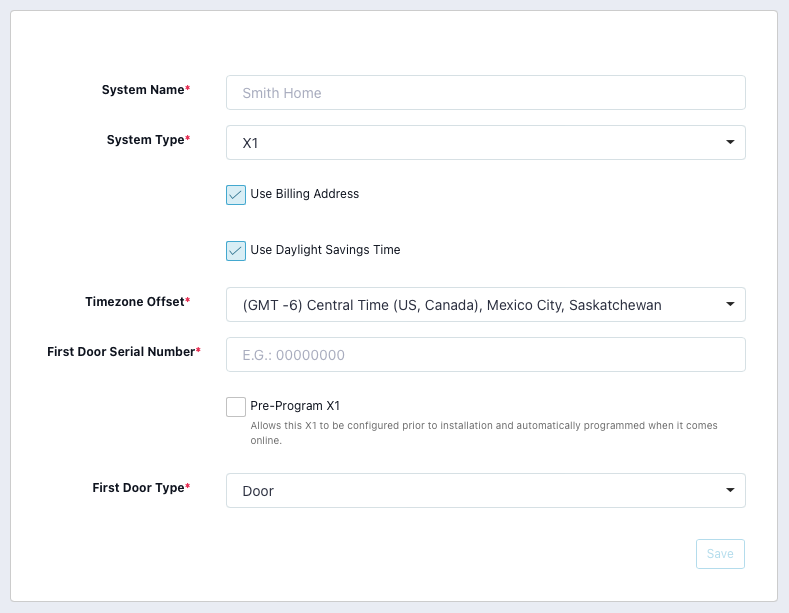
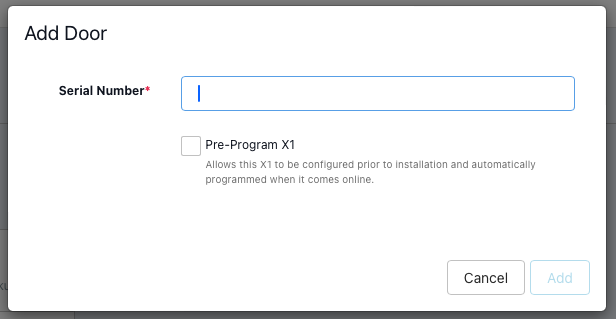
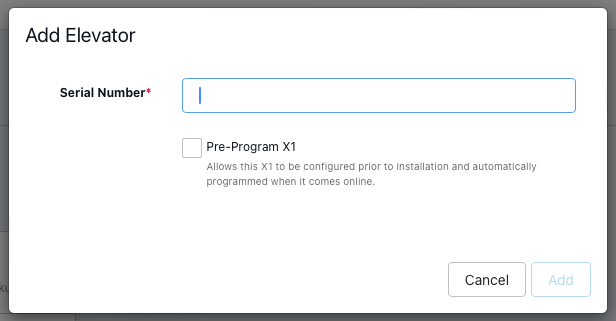
In the programming pop-up, click the Pre-Program X1 checkbox.
-
Add a Serial Number, First Door Type and Connection Type before saving. This will ensure the pre-programming gets sent down to the X1 properly once it comes online.
-
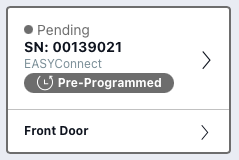
After saving, the pre-programming will appear on the Site Information and Diagnostics page with a gray highlight around the box and the status as Pending.
-
Once the X1 comes online, the programming will automatically be sent down to the X1.